

Day 1 - Connect to Azure VM
- Suzie Ji

- Jan 16, 2021
- 1 min read


How to connect to Azure VM via SSH with the client?
After purchasing Azure VM, please flow the following steps to install and use.

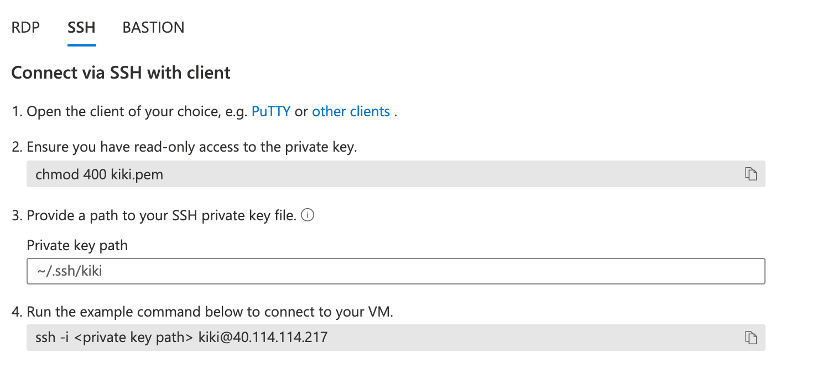
Screenshot1: Connect via SSH with client
1. Open the client of your choice, e.g. PuTTY or other clients.
2. Ensure you have read-only access to the private key.
$ chmod 400 kiki.pem
3. Private key path
$ ~/.ssh
4. Run the example command below to connect to your VM.
$ ssh -i <private key path> kiki@<public IP adress>
Eg: $ ssh -i kiki.pem kiki@ 40.114.114.217


Comments