

Day 4 - Import grades in the Gradebook and add users to courses in canvas
- Suzie Ji

- Jan 27, 2021
- 2 min read
Updated: Apr 14, 2021

Import grades in the Gradebook
https://community.canvaslms.com/t5/Instructor-Guide/How-do-I-import-grades-in-the-Gradebook/ta-p/807

Add users to courses
Because of the upload enrollments.csv file no data.


I tried to solve this problem. This is the original content of the CSV file. I found that root_account needs to be changed to the current root account name.
However, after I changed root_account to kiki, there is still no data.
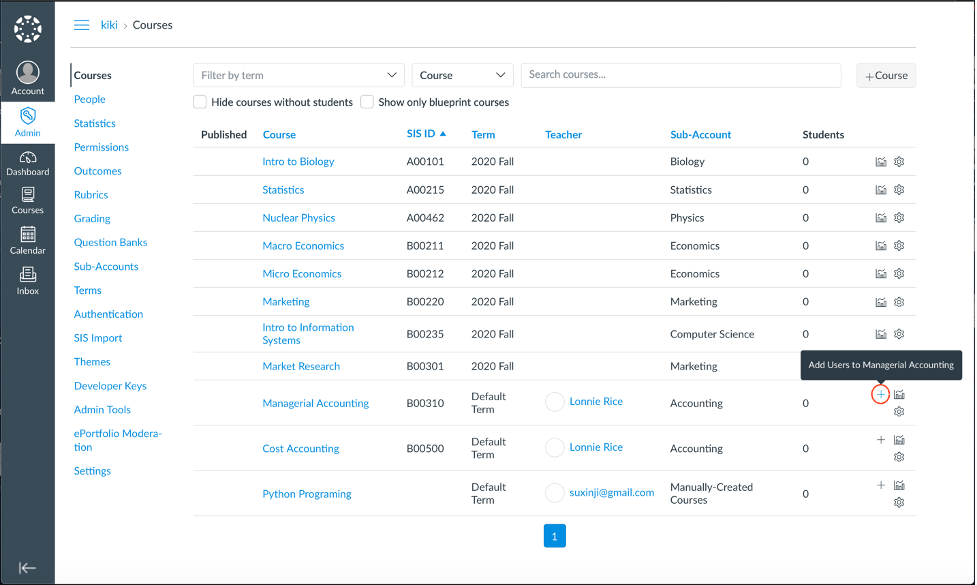
When I wanted to enter the enrollments information by myself, I found that it did not have the "Add Users to <course>" icon, so that I could add the enrollments information for the course "Python Programming" that I added myself before.
The error message provided by Canvas UI is not sufficient, so I decided to find the log file of docker to find the reason for the lack of data.

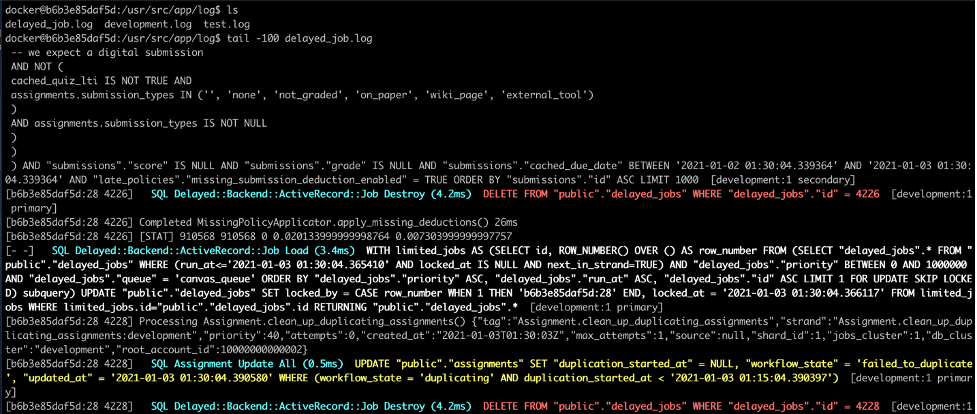
$ docker exec -it canvas-lms_web_1 /bin/bash
$ cd log/
$ tail -f delayed_job.log
$ tail -100 delayed_job.log
According to the displayed keyword ‘period’, I guess it is due to the permission of the term, which makes it impossible to enter the enrollment information.
By the way, SIS import needs to be improved, and the error information is insufficient. Even if you go to the terminal to view the log file, there is not enough error information.

Finally, I found the change to Default Term first, then can add a user to the course.




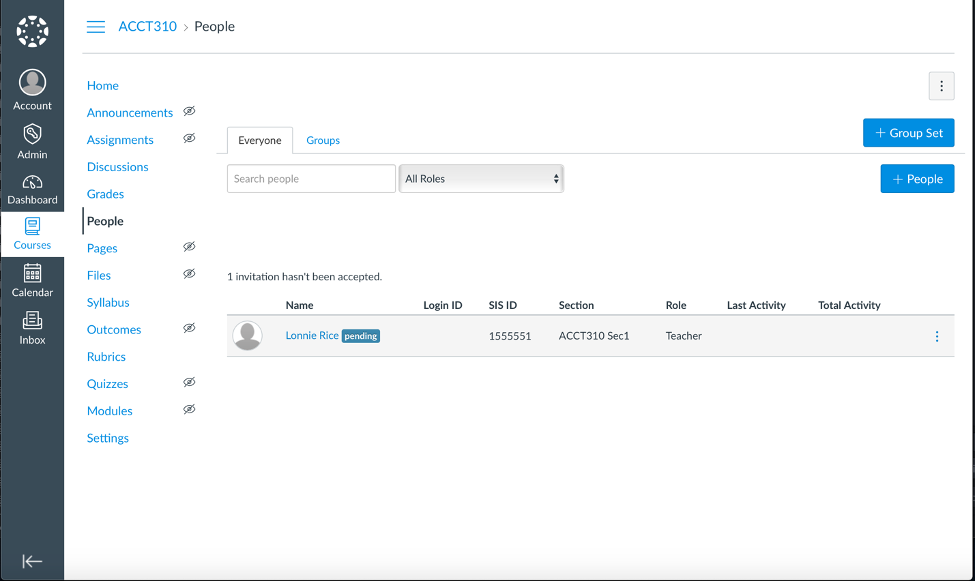
Act as user:


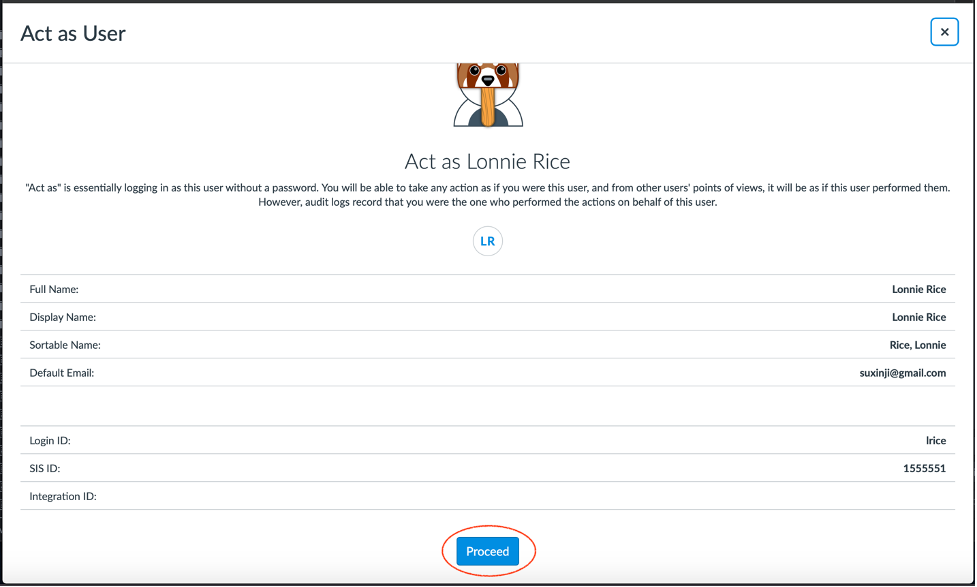

Now I can see that the teacher’s interface has only one course. The reason is that I only set a one default term. The current time is not within the 2020 fall time period, so I can’t see it.
Therefore, if I set all courses to Default term in the admin interface, then the teacher's interface can see all courses. If the term is set to a specific semester, then the teacher will only be able to view it during that semester To this course.


Comments