

Day 9 - Create Schema in Incorta
- Suzie Ji

- Feb 17, 2021
- 1 min read
Updated: Apr 14, 2021

Create Schema in Incorta:

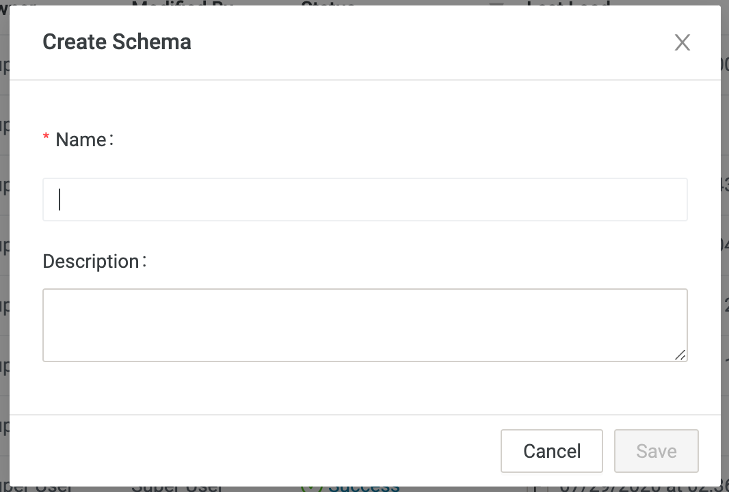


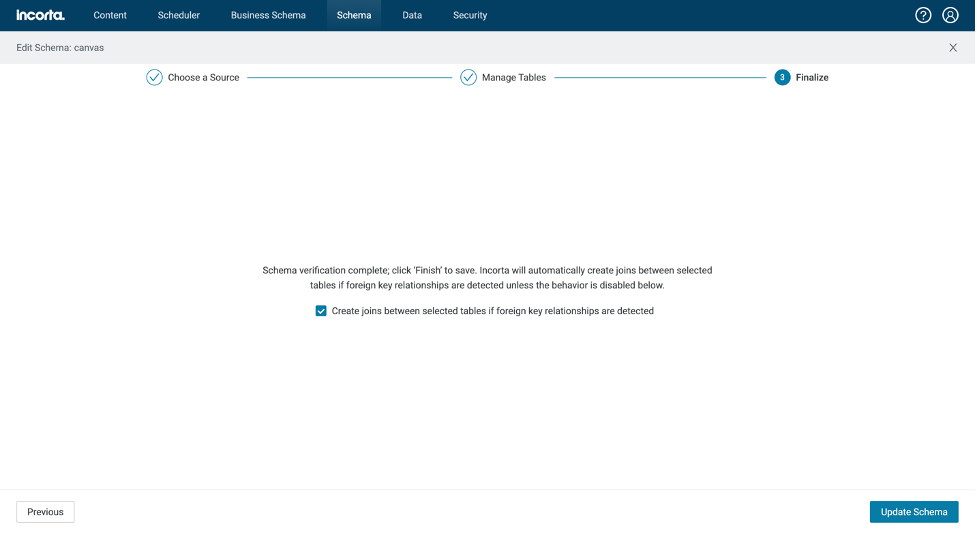
Now, Already create canvas schema.
Check tables join.


Two tables already join.
Now, full load schema.
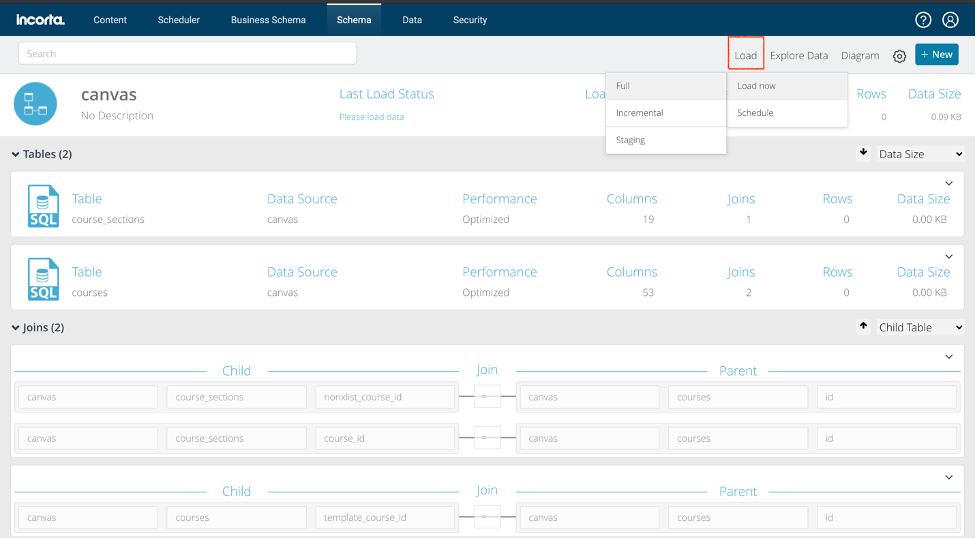
I got an error.

I need to change the table owner to canvas.
ALTER TABLE <tablename> OWNER TO <username>;
When change owner to canvas, load successful.

Preview data:

SELECT 'ALTER TABLE '||table_name||' OWNER TO canvas;' FROM information_schema.tables WHERE table_catalog='canvas_development';
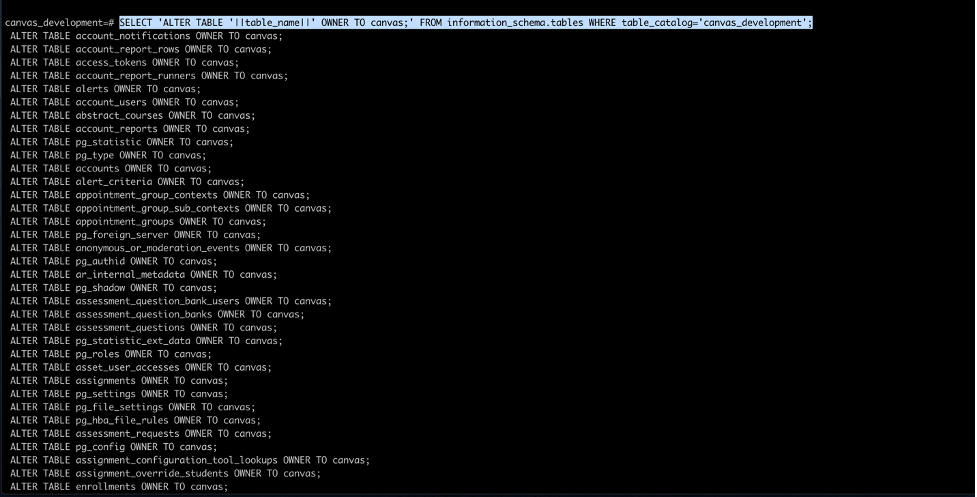
Copy-paste run it, then all tables owner change to canvas.
Find the problem with Enrollment.csv.
In the end, to no avail, I added people myself.
In canvas>>kiki>>setting
Export SIS csv file.

Go to backend
$ docker exec -it canvas-lms_web_1 /bin/bash


Now I can take this CSV file out of the VM, change the data, and then import the sis file to canvas. Successful. It is inferred that the original format may be wrong.


Comments